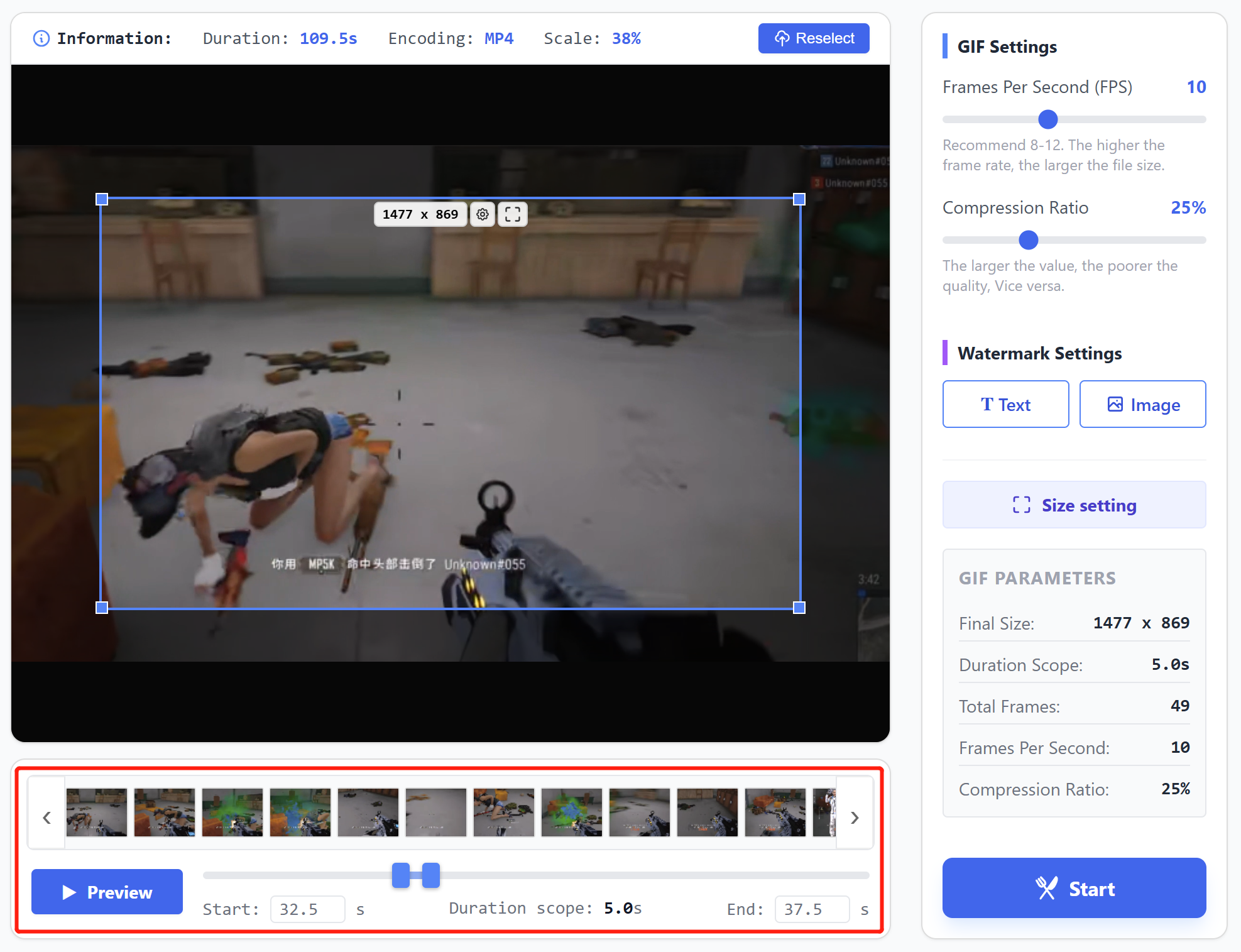
If the generation of frame thumbnails is relatively slow (taking more than 3 seconds), you can try reopening the browser, closing some tabs, or restarting your computer to restore performance.
‹
›
0.0s
0.0s
Start: s
Duration scope: 0.0s
End: s
GIF Settings
10
Recommend 8-12. The higher the frame rate, the larger the file size.
25%
The larger the value, the poorer the quality, Vice versa.
Watermark Settings
GIF Parameters
Final Size:-
Duration Scope:-
Total Frames:-
Frames Per Second:-
Compression Ratio:-
video2gif.online Introduction
video2gif.online is an online tool for converting video files into animated GIF images.
The main purposes of GIF animated images include: sharing on social media, product demonstration, creating emoticons, and serving as dynamic backgrounds for webpages.
What are its features?
Completed entirely within the local browser
The website utilizes open-source libraries and the image processing capabilities inherent in the browser itself, eliminating the need to upload video files to a remote server. All tasks can be completed locally on the user's device,
Users do not have to worry about data leakage.
No need to queue
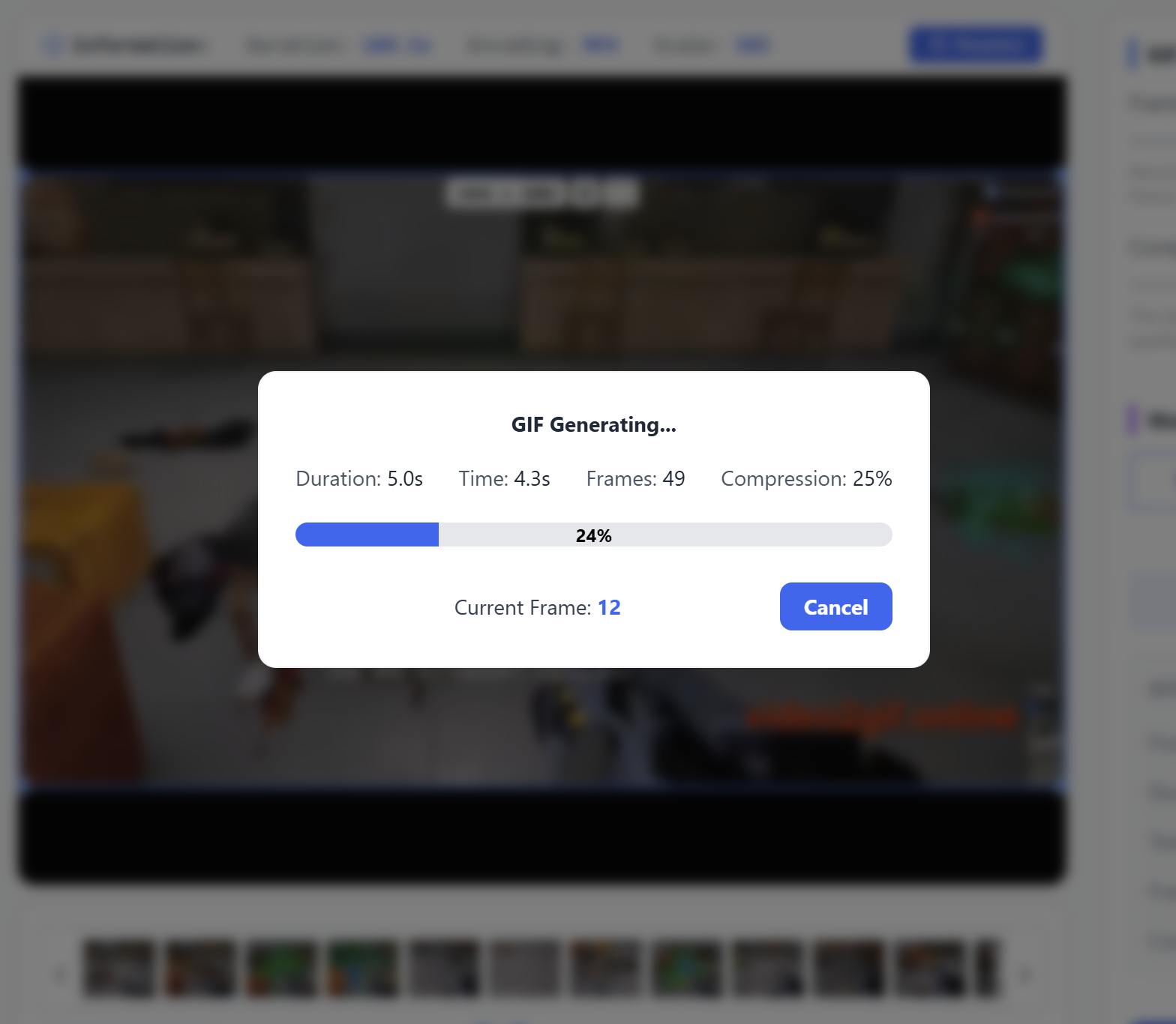
Since all tasks are completed locally, there is no need to queue up and wait. Clicking the start button will immediately initiate the generation process.
Custom watermark
You can set text or image watermarks to promote your brand.
Forever free
All functions of this website are permanently free of charge.
What formats does it support?
We support MP4, WebM, MKV, and MOV formats.
User Guide
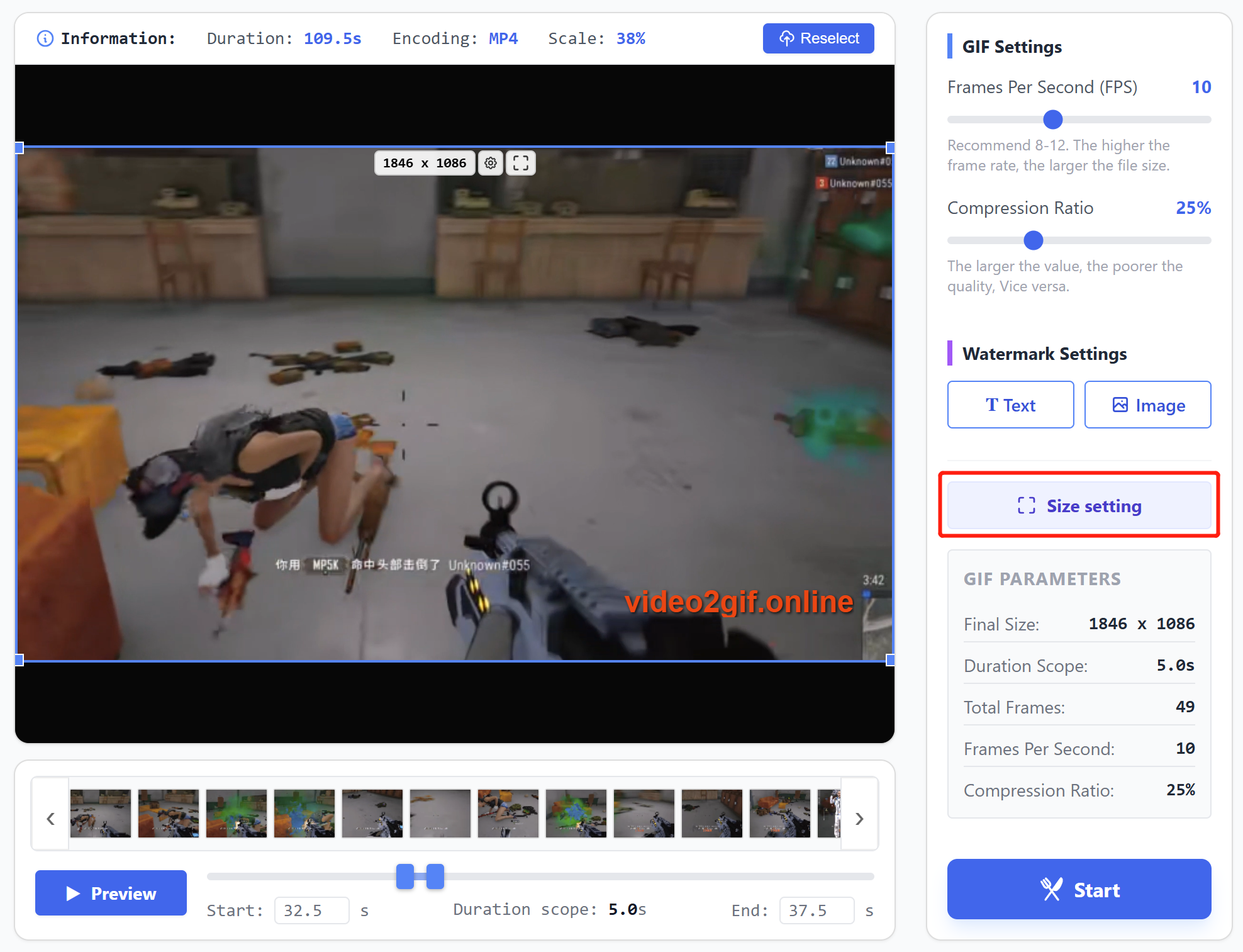
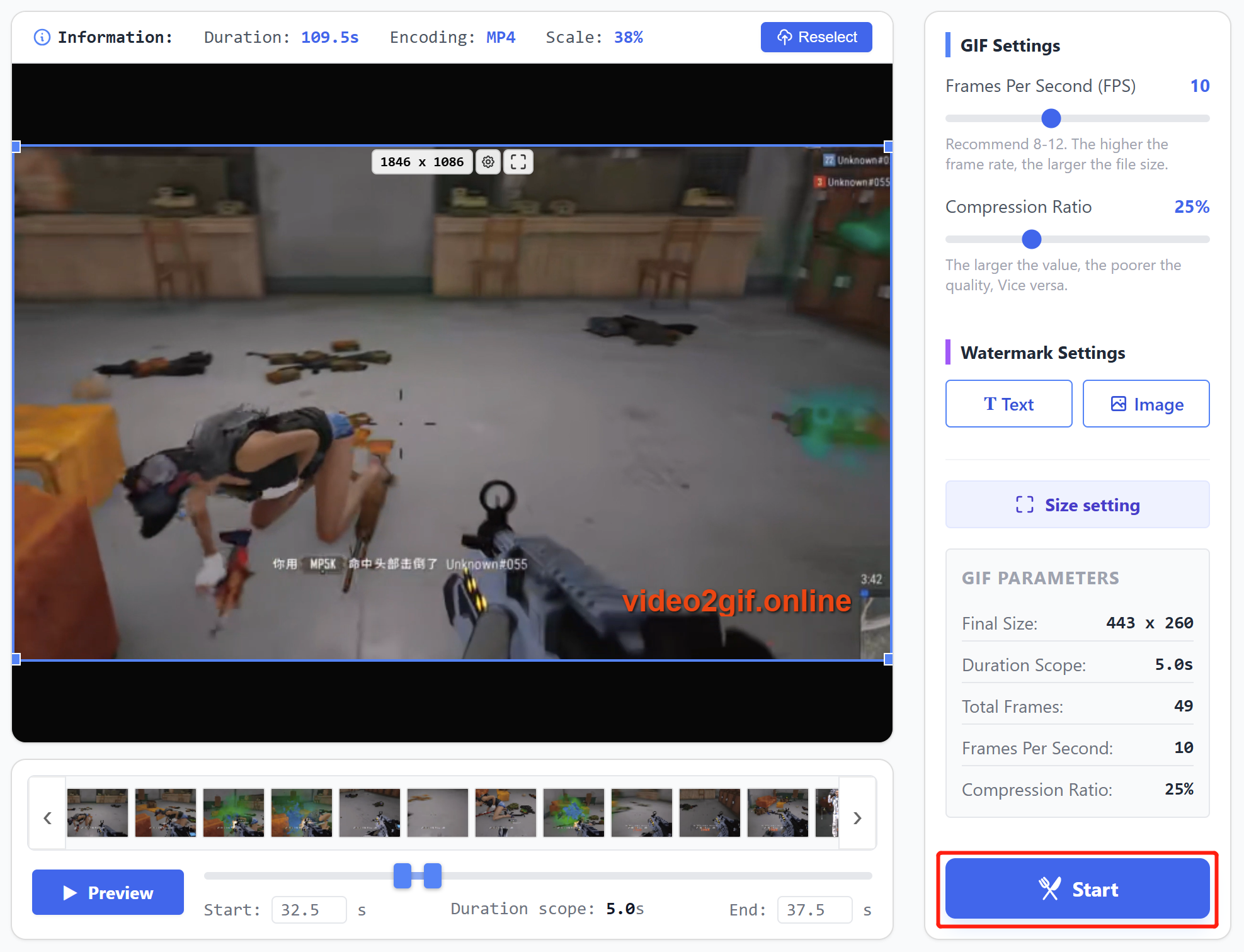
Workflow: Select video file → Choose time range → Set crop dimensions → Set frame rate and compression → Add watermark → Set output dimensions → Start generation → Preview and download GIF.
1. Select Video File
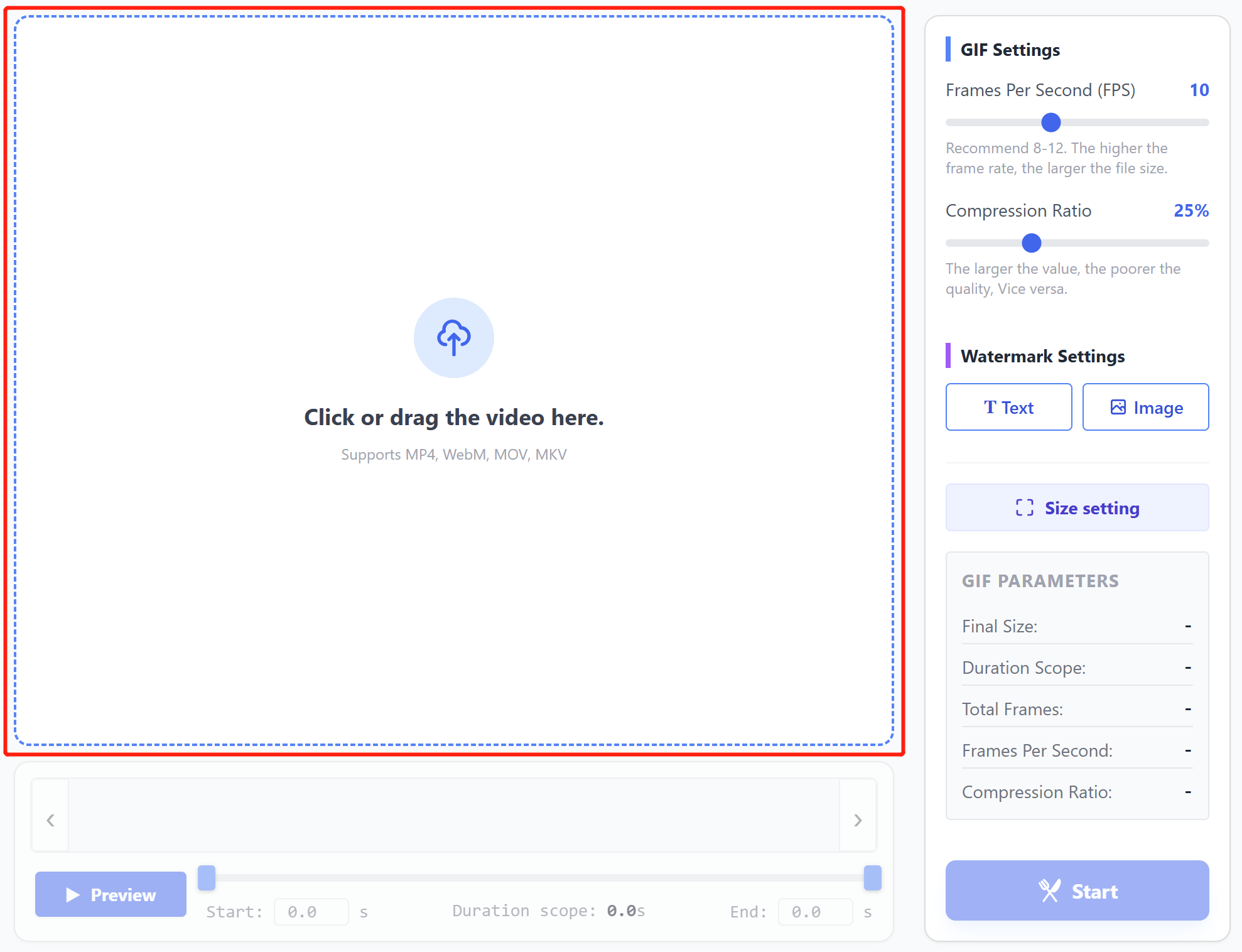
Drag and drop video into the dashed area, or click inside the dashed area to select video.
2. Choose Time Range
Drag the sliders on the timeline to select specific time segment for generation. After selecting, click "Preview" button to play the selected time range.
3. Set Crop Dimensions
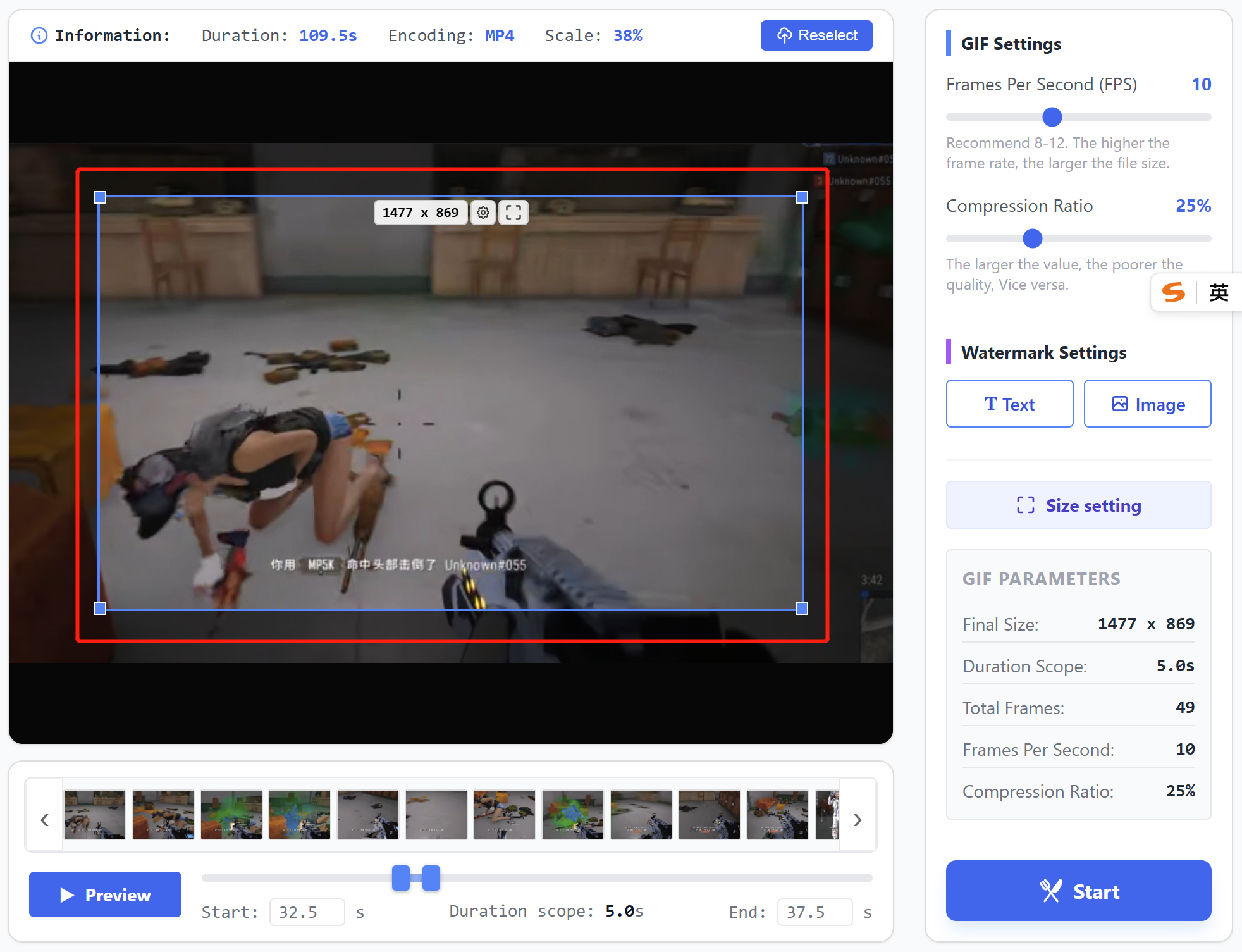
Drag the crop box to move position, drag its four corners to adjust crop area.
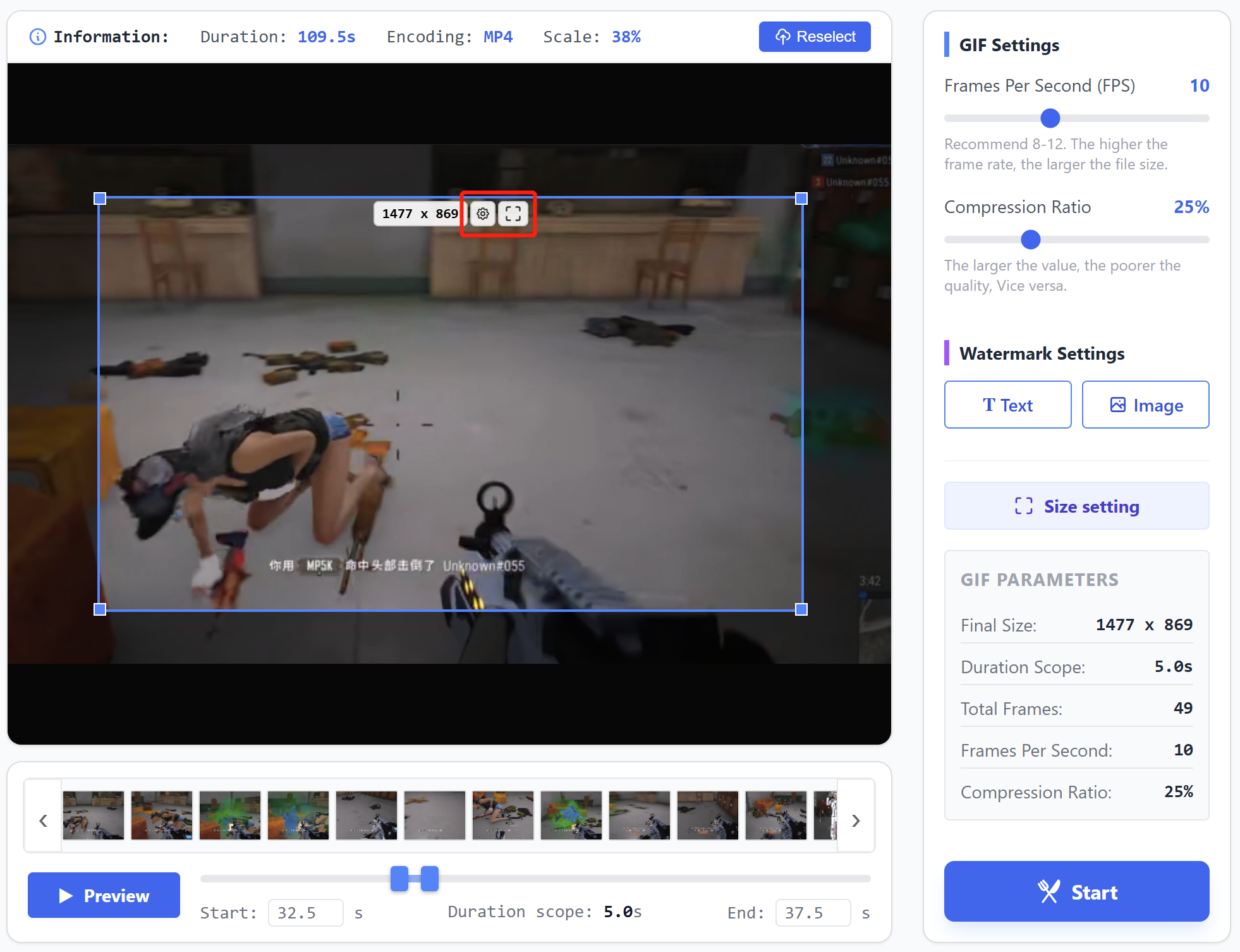
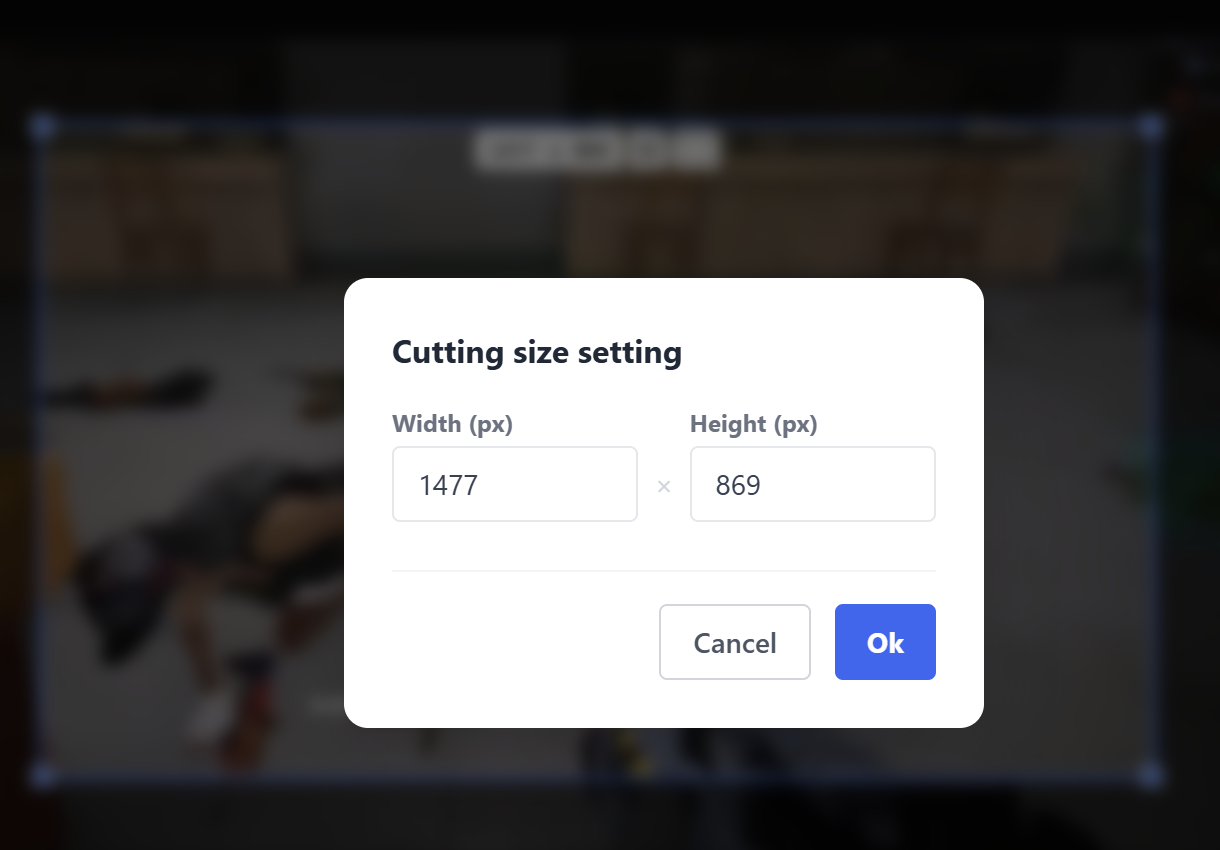
Click the settings button inside crop box to input specific values for dimensions.
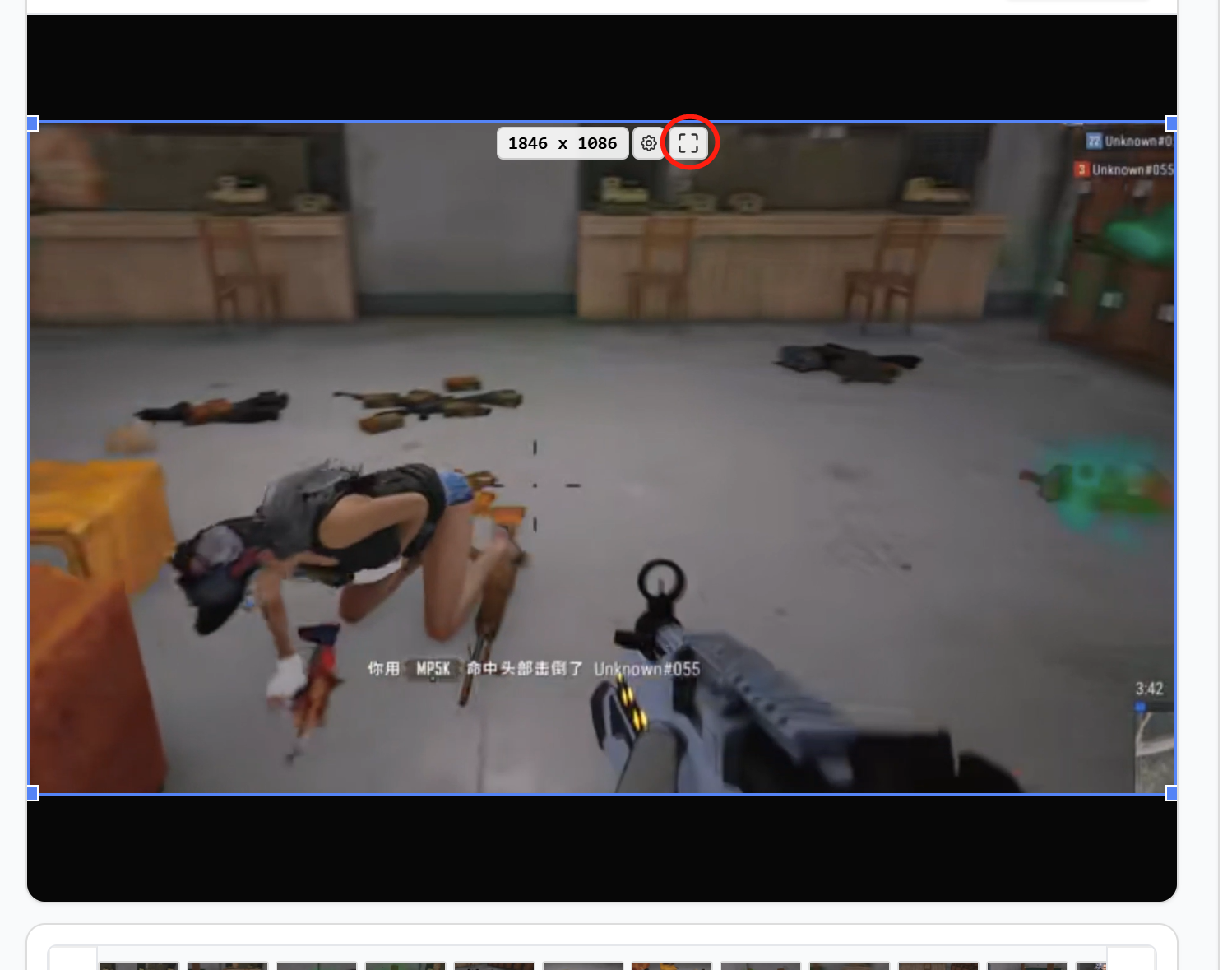
For full-screen cropping, click the maximize button inside crop box.
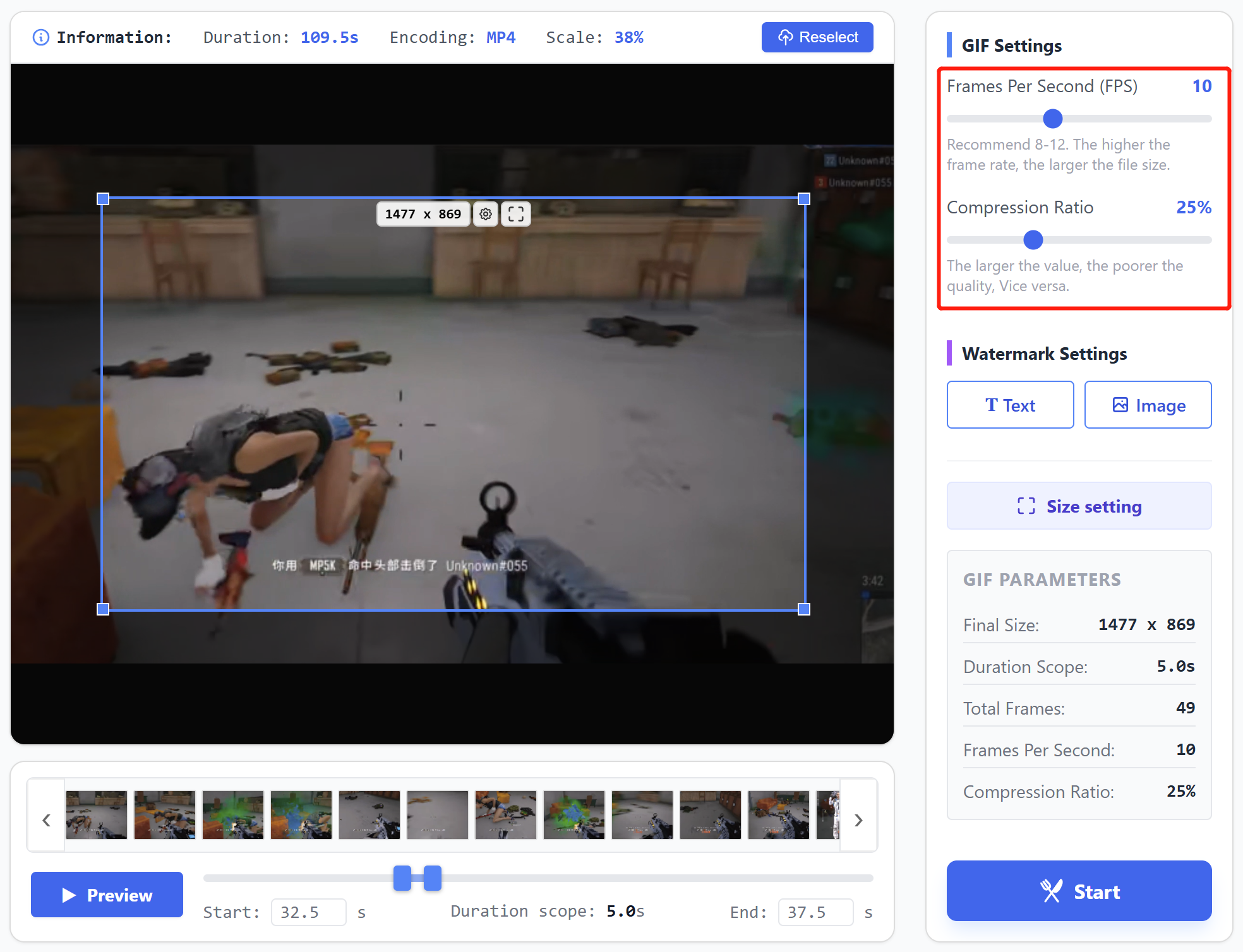
4. Set Frame Rate and Compression
Frame rate typically set between 8-12 fps. Too low may cause choppy playback, too high increases file size.
Compression rate recommended around 25%. Below 25% gives clearer image but larger file size, above 25% reduces quality.
Default frame rate and compression settings are recommended.
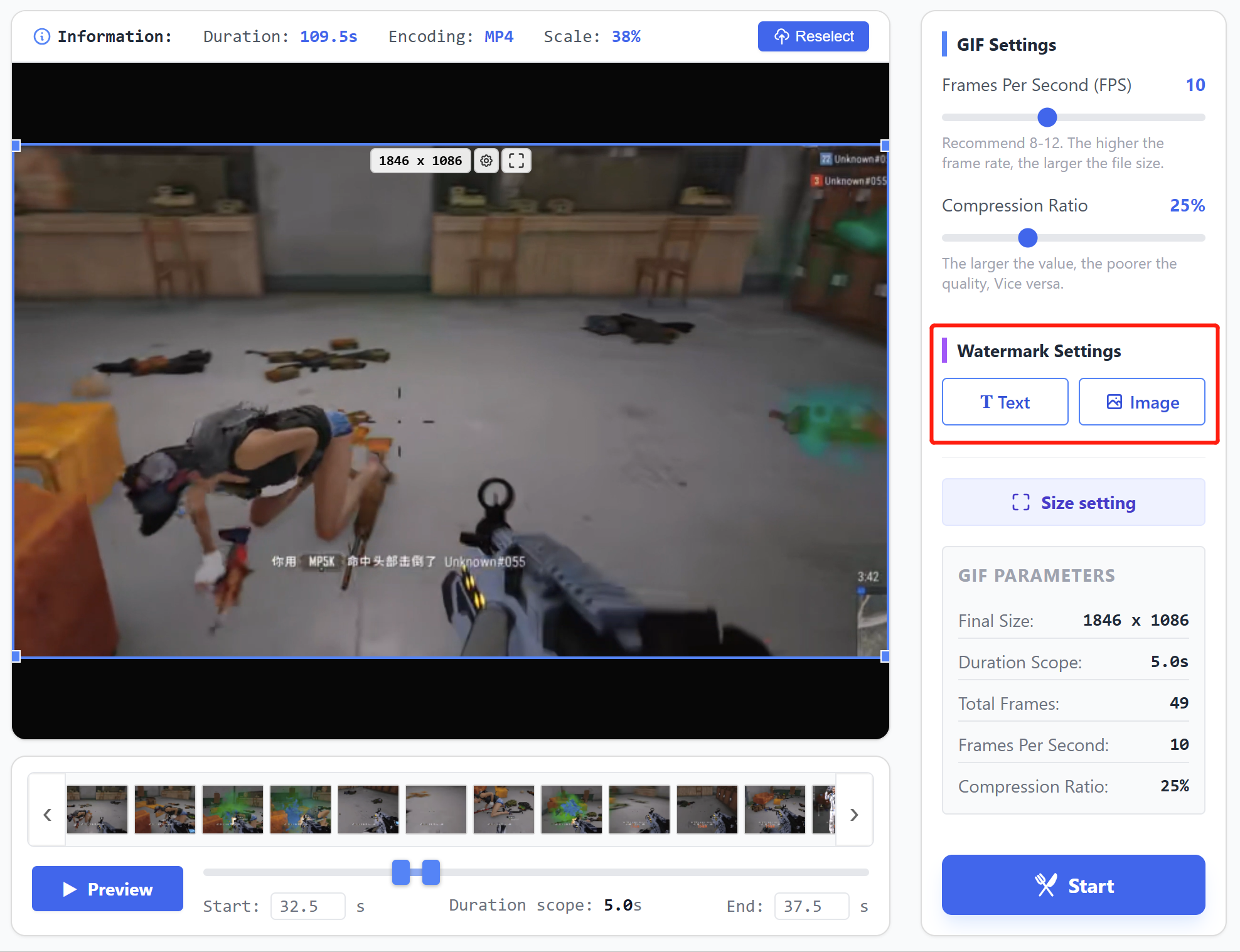
5. Add Watermark
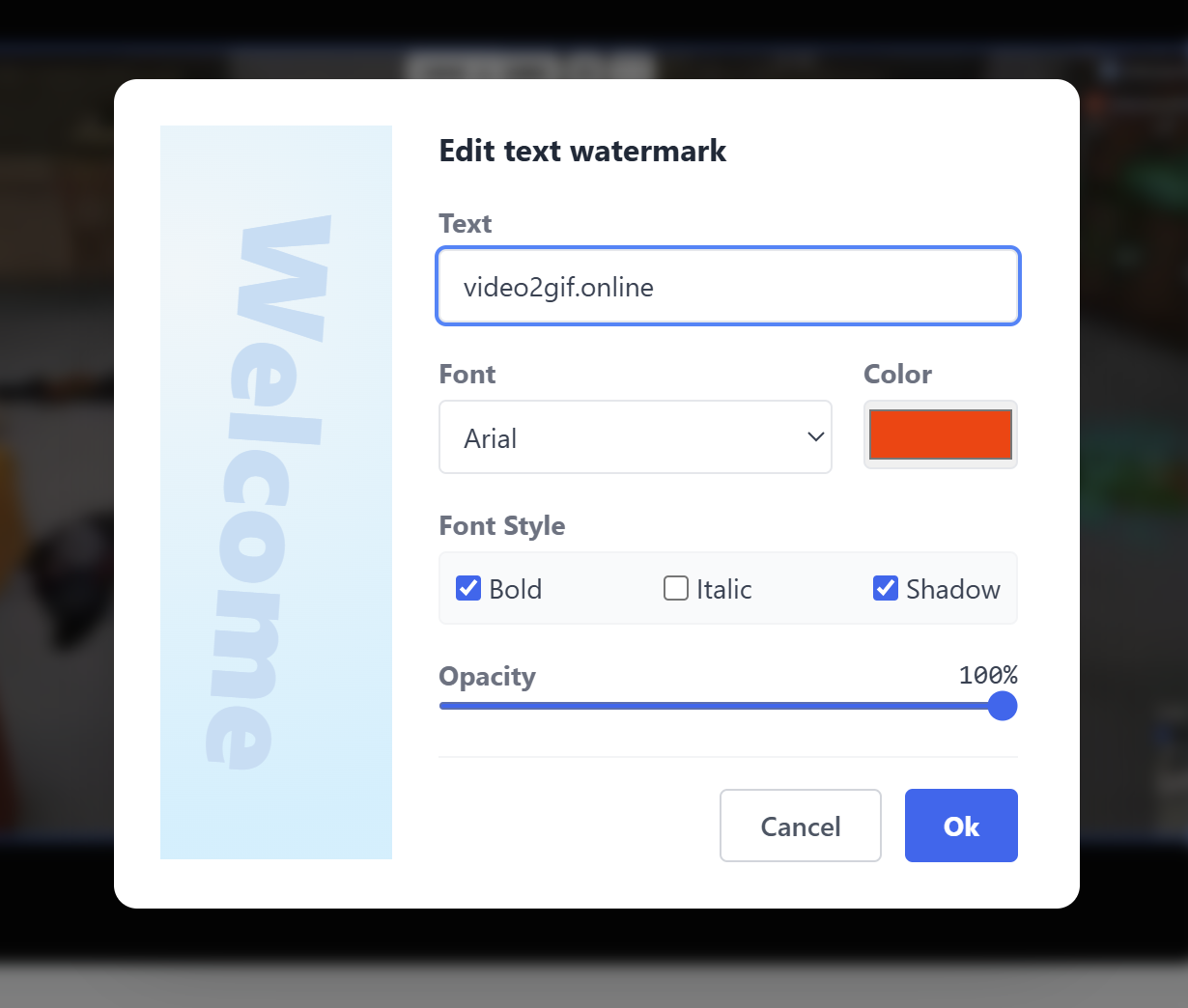
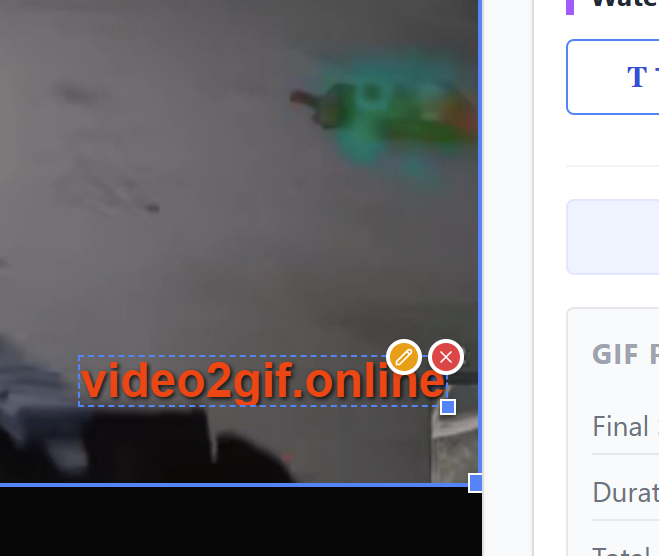
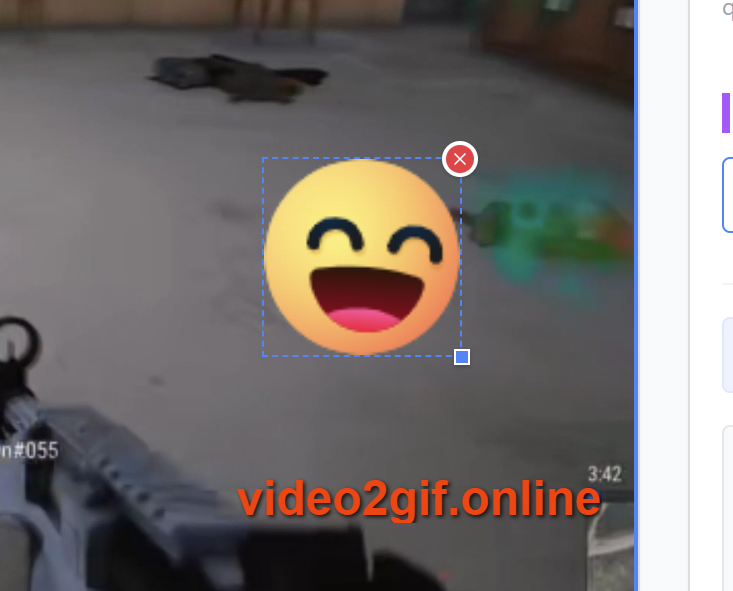
Click relevant buttons to add text or image watermark, supports style, position and size settings.
6. Set Output Dimensions
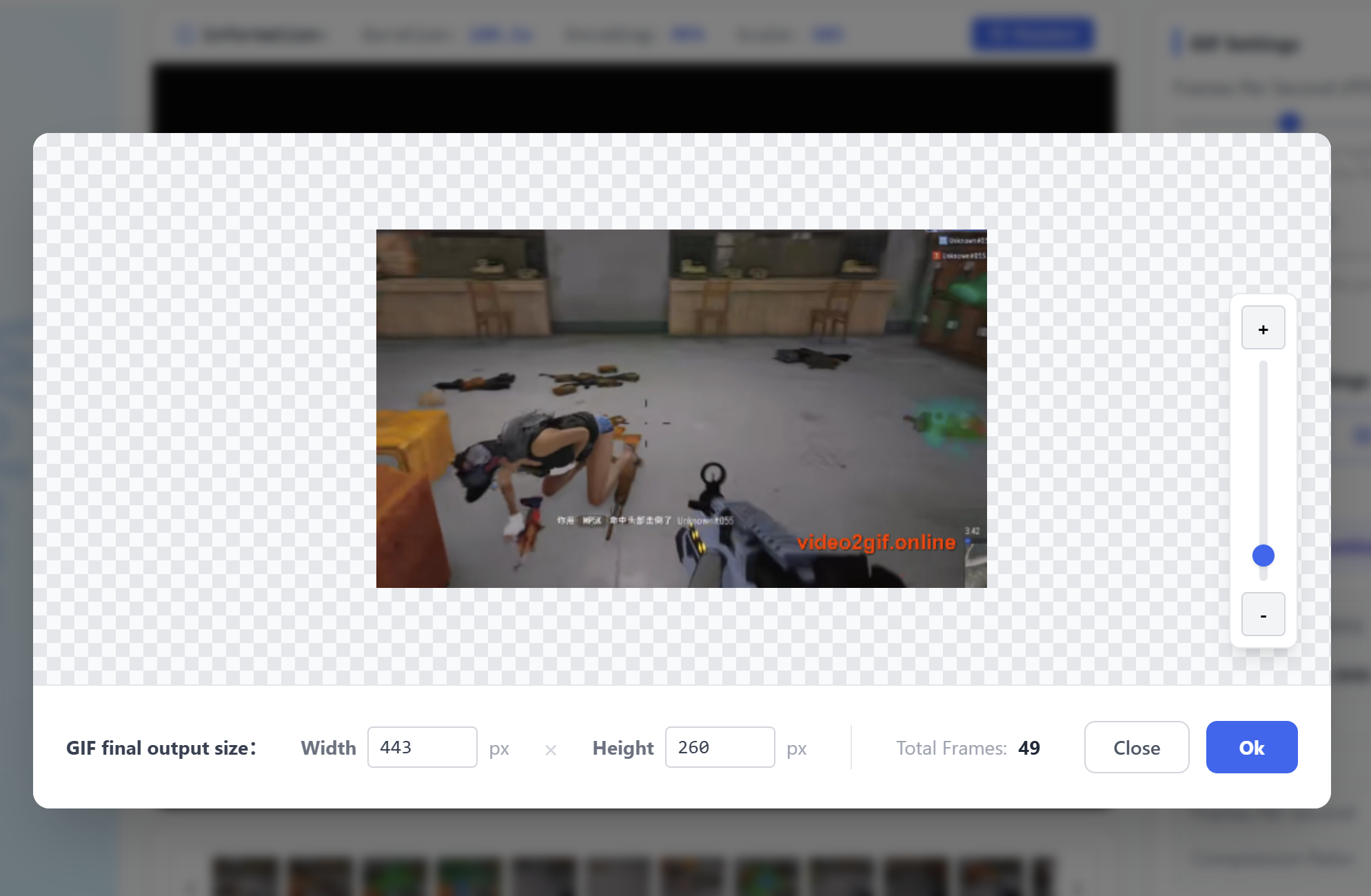
Click button, then drag control bar on the right side of popup to scale image, or input values at bottom to set dimensions.
7. Start GIF Generation
After confirming all parameters are correct, click the start button to generate GIF.
8. Preview and Download GIF
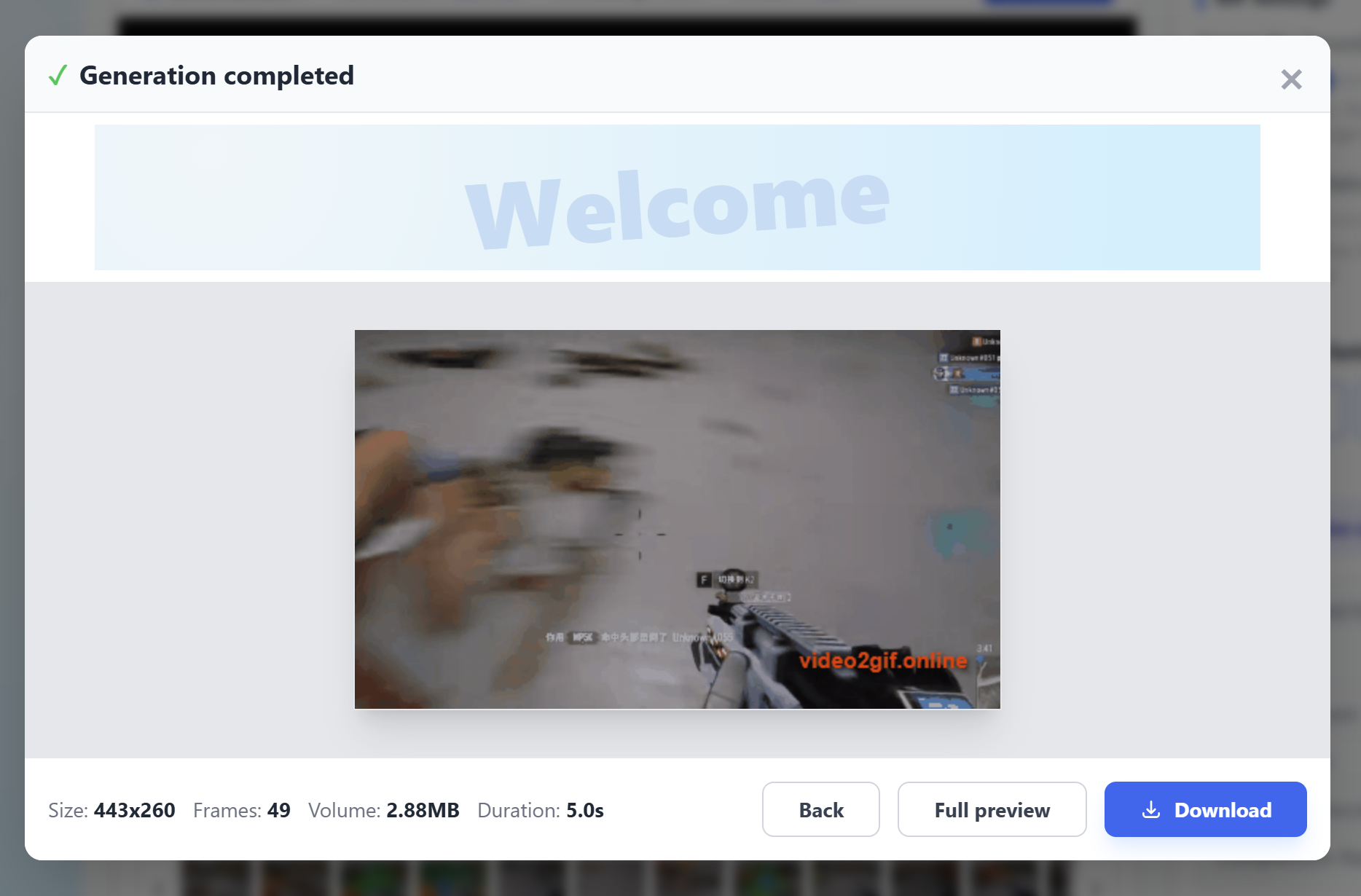
The final GIF will play immediately upon completion. Interface displays GIF information and provides download button. Click to download locally.
improve performance
Since the tool is browser-based and depends on browser-allocated memory, having too many tabs open or running the browser for extended periods (e.g., several days without closing) may cause slower response or noticeable lag.
Try closing some tabs or restarting the browser to reinitialize memory allocation and improve performance.